Stay current
Release information
Review what's new, changed functionality, and known issues.
Explore release information →
DTK training
Find procedures, equipment workflows, and troubleshooting guidance for Guidanz DTK.
Stay current
Review what's new, changed functionality, and known issues.
Explore release information →Start here
Learn what DTK is, confirm system requirements, install and register the application, sign in, and update DTK.
Explore getting started →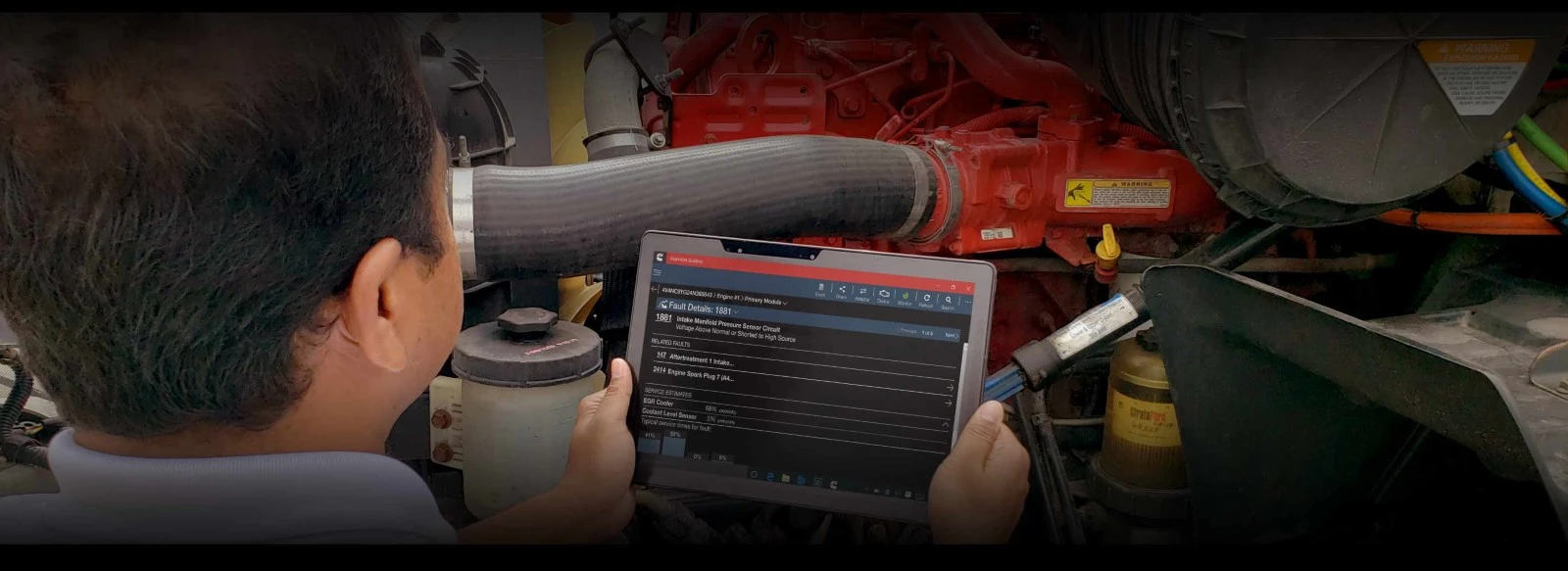
Prepare your workspace
Set user preferences, display and language options, units of measure, storage locations, connection settings, and licensing.
Explore configuration →
Equipment workflows
Connect to an engine, perform an immediate assessment, troubleshoot faults, run tests, monitor data, change settings, and update the calibration.
Explore engine workflows →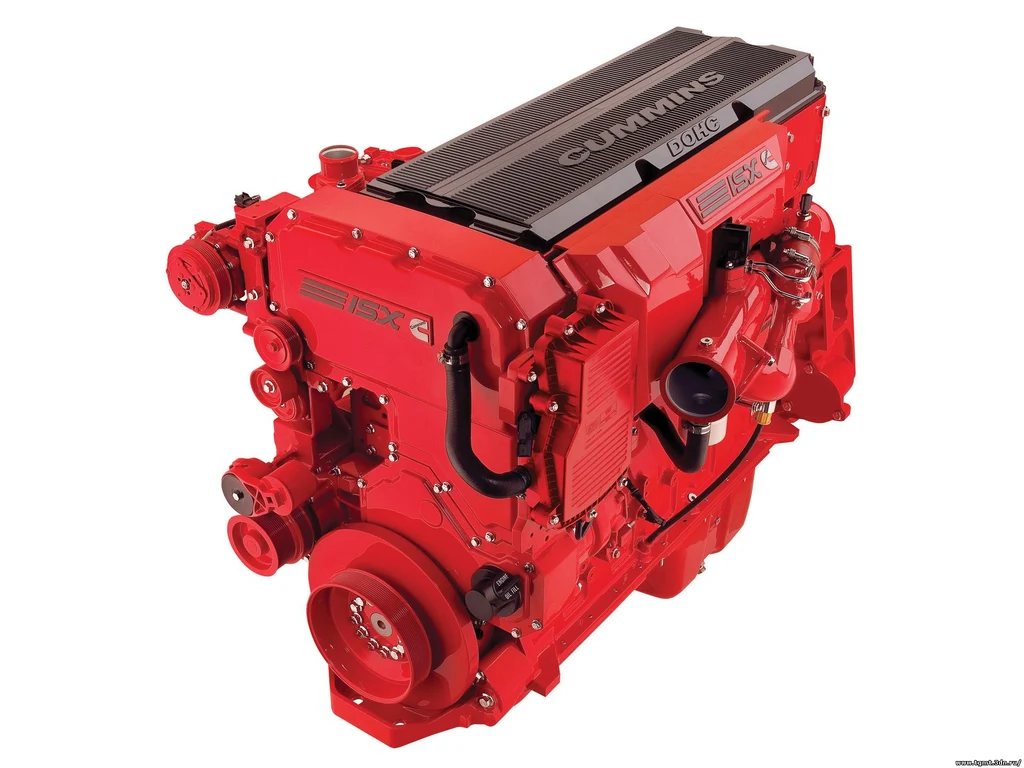
Equipment workflows
Connect to a genset controller, identify the controller, perform commissioning, troubleshoot faults, monitor data, change settings, and update the calibration.
Explore power generation workflows →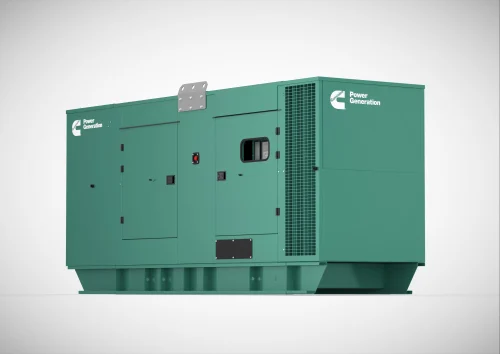
Files and records
Create and manage ECM images, templates, PowerGen capture files, and diagnostic history.
Explore diagnostic data →Find an answer
Find solutions for installation, sign-in, adapter, connection, test, calibration, and data problems.
Explore troubleshooting →
Search the training material or contact support if you cannot find the information you need.